Inside JP Patterns
Where the work
takes shape.
Pattern design, 3D scenes, short films, and the tools I build along the way.
The scene gallery
Pattern, in place.
A closer look at the finished scenes.
Select an image to explore.
Loading scenes…
01 / 3D Design
From a working scene
to a finished space.
Pattern, scale, materials, and light.
Every decision changes the scene.
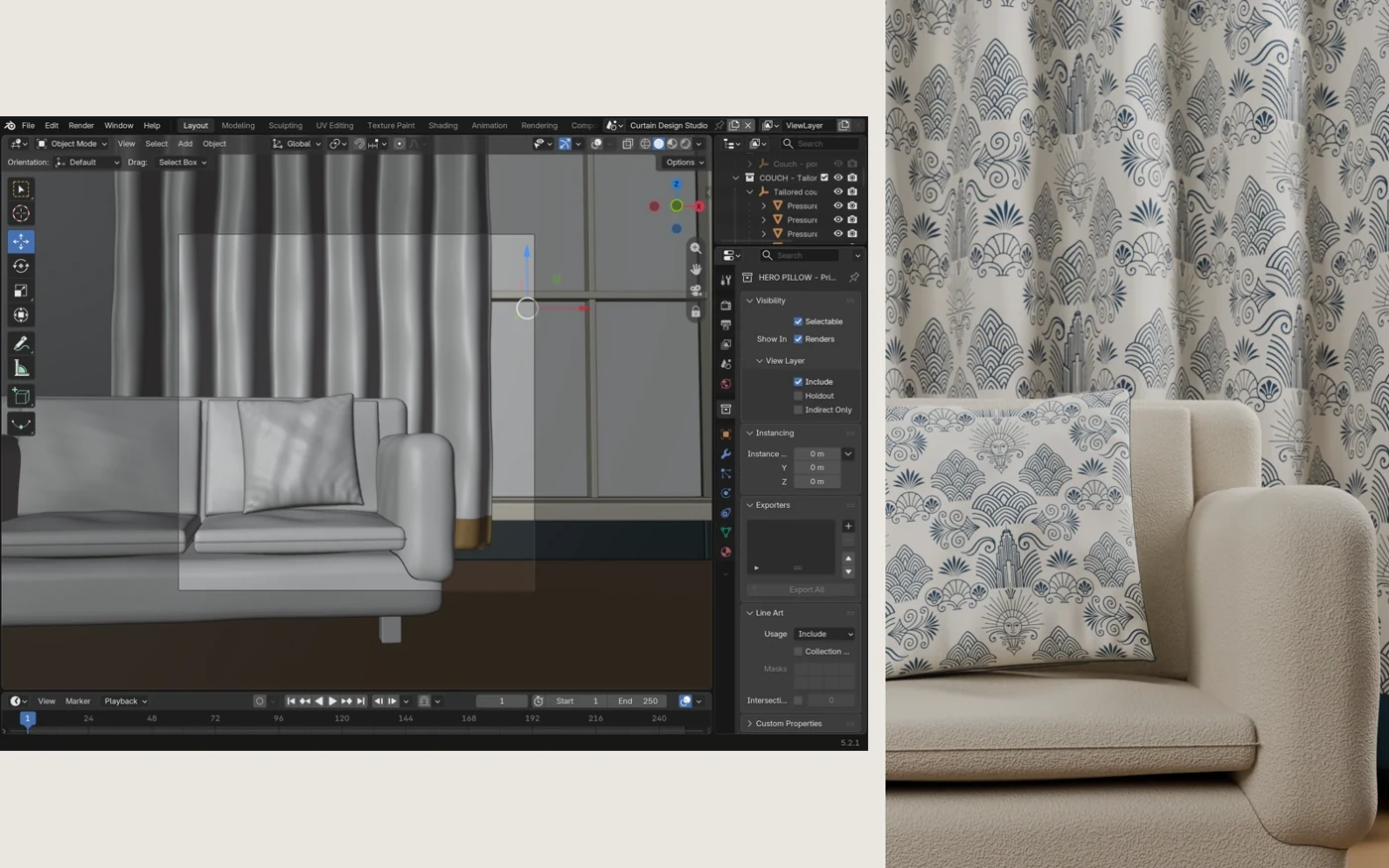
I use 3D scenes to explore how a pattern feels on a surface, from a curtain fold to an entire room. I direct and refine the composition, adjust geometry and cameras, and use UV mapping to control the pattern’s scale and placement.
The result is a visualization of the artwork in context. These are studio scenes rather than photographs of manufactured products.
3D + Motion
Beyond the room.
Into the story.
A Backrooms-inspired hallway opens onto a patterned nursery. As the camera turns back, a shadow in the doorway changes the mood.
Scene direction, materials, camera movement, and the edit work together to make the pattern part of the story.
This preview plays without sound. An unsettling shadow figure appears near the end.
Silent web preview · 34 seconds
02 / Art & Design
A closer look
at the tools.
Built around real creative work.
Part of the studio, not a software shop.
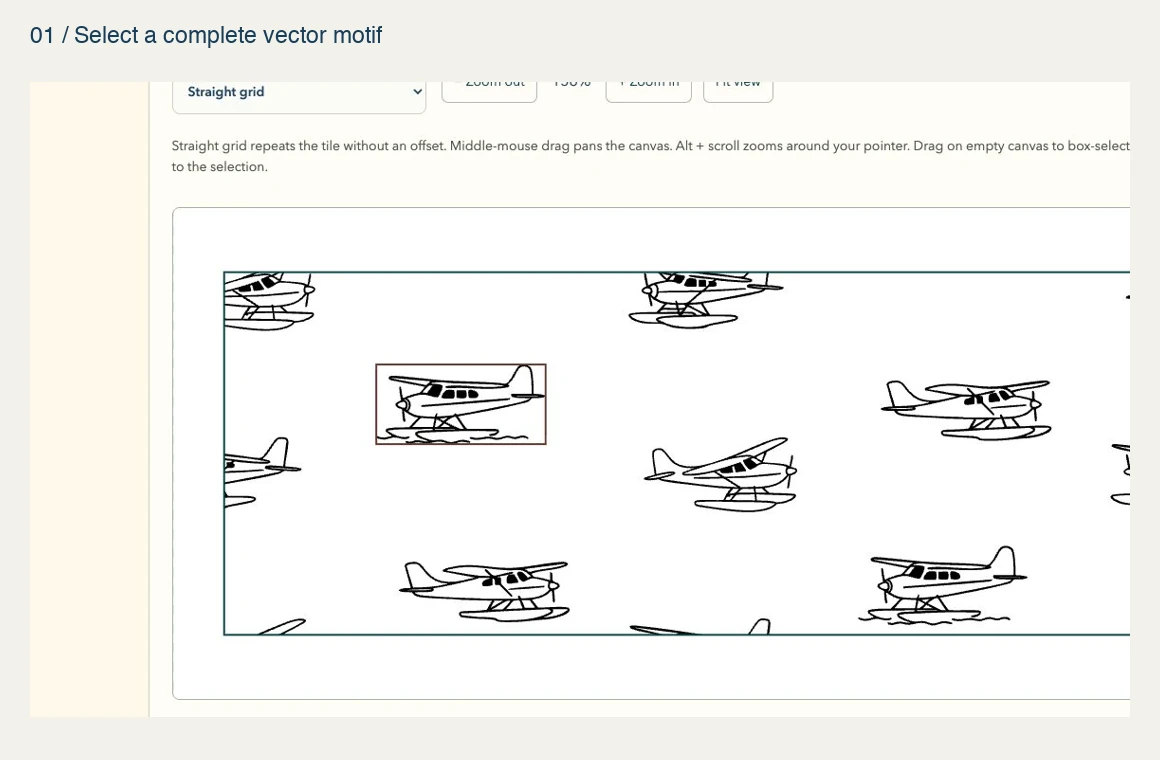
Pattern Studio
Using my own seaplane pattern, this tour shows real vector editing: selecting a complete motif, dragging it to a new position, removing it, and undoing the change.
From vector to finished file.
Paper & PDF turns pattern swatches into printable pages. The tour shows three of my swatches exported as an actual three-page PDF, with control over paper size, repeat width, and margins. These tools are not currently for sale. Get in touch if you’re curious about how they were developed.